



1 Overview
The Televac® MX Series provides a modern replacement for legacy MP Series active vacuum gauges. This application note explains the differences in analog outputs, wiring, calibration, display, and set points that should be considered when replacing an MP2AR or MP4AR with an MX2A or MX4A.
Back to Table of Contents2 MP and MX Series Comparison
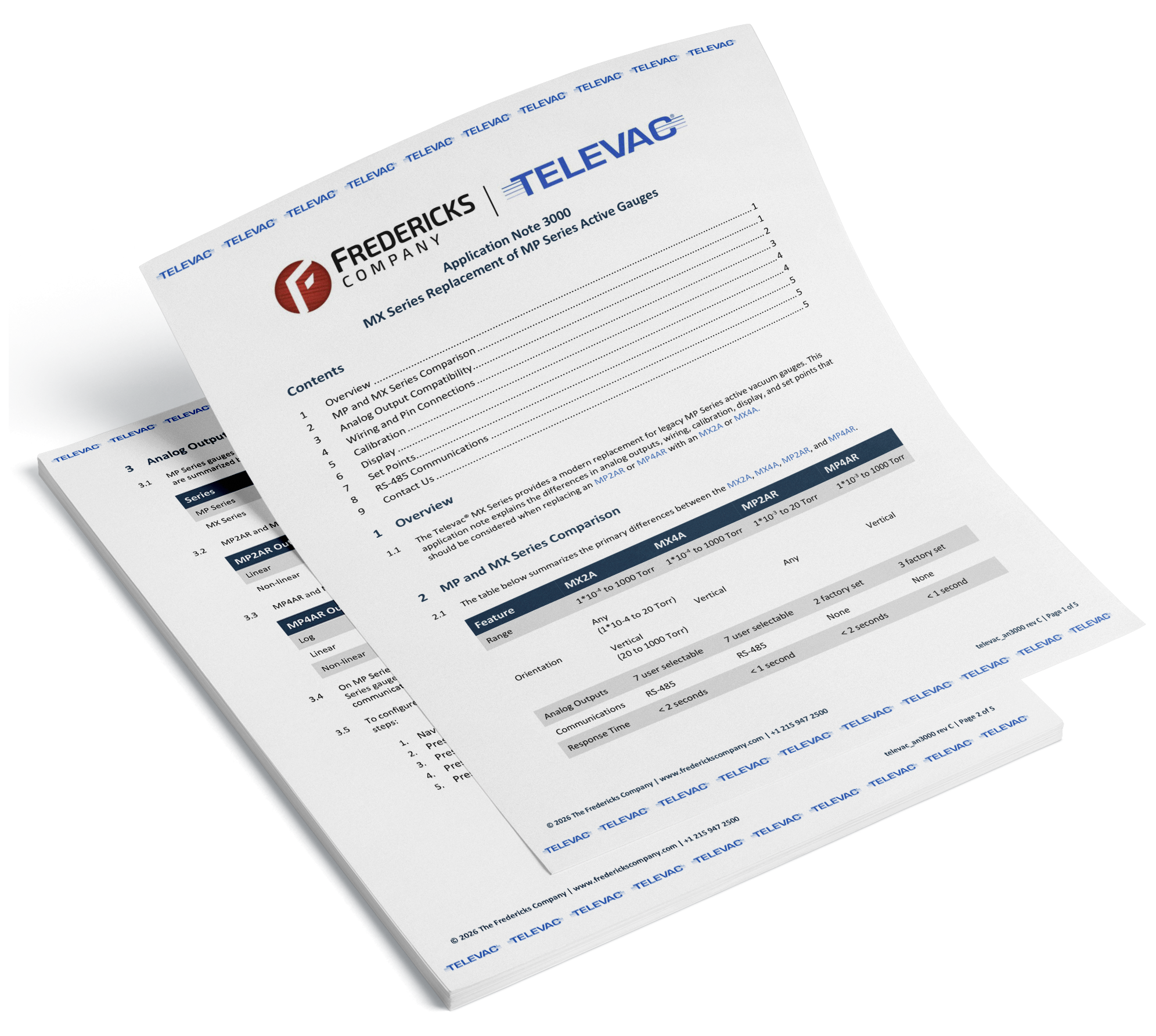
The table below summarizes the primary differences between the MX2A, MX4A, MP2AR, and MP4AR.
| 기능 | MX2A | MX4A | MP2AR | MP4AR |
|---|---|---|---|---|
| 범위 | 1*10-4 ~ 1000 토르 | 1*10-4 ~ 1000 토르 | 1*10-3 ~20 토르 | 1*10-3 to 1000 Torr |
| 방향 |
Any Vertical |
수직 | Any | 수직 |
| 아날로그 출력 | 7 사용자 선택 가능 | 7 사용자 선택 가능 | 2 공장 세트 | 3 공장 세트 |
| 통신 | RS-485 | RS-485 | 없음 | 없음 |
| 응답 시간 | < 2 seconds | < 1 second | < 2 seconds | < 1 second |
3 Analog Output Compatibility
MP Series gauges provide fewer analog output options than MX Series gauges. The available output modes are summarized below.
| Series | Available Analog Outputs |
|---|---|
| MP Series | Log, Linear, Non-linear |
| MX Series | Log, Linear 1, Linear 2, Linear 3, Linear 4, Linear by decade, Non-linear |
MP2AR and MX2A Analog Output Comparison
| MP2AR 출력 | MX2A 등가 출력 |
|---|---|
| 선형 | 선형 4 |
| 비선형 | No direct equivalent |
MP4AR and MX4A Analog Output Comparison
| MP4AR 출력 | MX4A 등가 출력 |
|---|---|
| 로그 | 로그 |
| 선형 | 선형 4 |
| 비선형 | 비선형 |
On MP Series gauges, analog output behavior is selected using jumpers and connector pin selection. On MX Series gauges, the analog output can be configured from the front panel or through RS-485 communications.
To configure an MX gauge to match the linear output of an MP gauge, select Linear 4 using the following steps:
- Navigate to the Measurement Screen.
- Press SEL four times. The screen will read Analog Out.
- Press ENT to unlock the screen.
- Press DOWN three times. The screen will read Linear 4.
- Press ENT to save the change.
4 Wiring and Pin Connections
The MP and MX Series use different connectors and pin assignments. Existing MP wiring must therefore be updated when installing an MX replacement.
Connector Comparison
| MP 커넥터 | MX 커넥터 |
|---|---|
| 9-pin D-sub | 15-pin D-sub |
Pin Mapping
| 연결 | MP 핀 | MX Pin |
|---|---|---|
| 전원 (+) | 핀 3 | 핀 8 |
| 전원(-) | 핀 4 | 핀 15 |
| 로그/선형 아날로그 출력(+) | 핀 5 | 핀 9 |
| 비선형 아날로그 출력(+) | 핀 7 | 핀 9 |
| 아날로그 출력(-) | 핀 8 | 핀 1 |
| 세트 포인트 릴레이 번호 | 핀 1 | 핀 4 |
| 세트 포인트 릴레이 NC | 핀 2 | 핀 3 |
| 세트 포인트 릴레이 C | 핀 6 | 핀 11 |
Overall Pin Diagram Comparison

5 Calibration
Calibration points on MP Series gauges are adjusted using potentiometers (pots). MX Series calibration is performed through the front panel or RS-485 communications.
MP2AR 및 MX2A 교정 지점
| 교정 지점 | MP2AR | MX2A |
|---|---|---|
| Zero | 예 | 예 |
| 10 토르 | 아니요 | 예 |
| 760 토르 (분위기) | 아니요 | 예 |
MP4AR 및 MX4A 교정 지점
| 교정 지점 | MP4AR | MX4A |
|---|---|---|
| Zero | 예 | 예 |
| 1 토르 | 아니요 | 예 |
| 760 토르 (분위기) | 예 | 예 |
The additional calibration points available on MX Series gauges allow calibration to be performed at more points across the measurement range.
Back to Table of Contents6 Display
MX Series gauges use a higher-resolution front-facing OLED display, while MP Series gauges use a top-mounted 3-character LED display.
| 설명 | MP 디스플레이 | MX 디스플레이 |
|---|---|---|
| 형식 | 3-character 7-segment LED | 256 × 64 color OLED |
| 위치 | 맨 위로 | 앞 |
| 판독 가능한 거리 | 3m(10피트) | 3m(10피트) |
The MX display also provides access to configuration settings directly from the front panel.
Back to Table of Contents7 Set Points
MX Series gauges provide two set points and support higher switching loads than MP Series gauges.
| 설명 | MP | MX |
|---|---|---|
| 포인트 설정 | 1 | 2 |
| 형식 | 릴레이 | 릴레이, 오픈 컬렉터 |
| 릴레이 연락처 등급 | 0.5 A @ 24 V DC | 2 A @ 220 V DC (250 V AC) |
| 컬렉터 등급 열기 | 없음 | 2 A @ 60 V DC |
8 RS-485 Communications
MX Series gauges include RS-485 communications, while MP Series gauges do not. RS-485 allows multiple addressable gauges to share the same communications bus and enables remote configuration without accessing the gauge's front panel.
Back to Table of Contents